

Texas is one of the most competitive local markets in the United States. Whether you’re a plumber in Houston, an HVAC contractor in Dallas, a dentist in Austin, or a landscaper in San Antonio — the businesses showing up at the top of Google when someone searches for your service are capturing the majority of calls, leads, and revenue.
The question isn’t whether you should be running Google Ads. It’s whether you’re running them the right way for your specific market, city, and budget.
This guide is built specifically for Texas local service businesses. We’ll break down exactly how to use Google Ads and Local Service Ads to dominate your city, generate high-quality leads, and stop wasting money on clicks that never turn into customers.
The Local Search Landscape in Texas in 2026
Before building any campaign, you need to understand the battlefield. Local search in Texas has three layers, and smart businesses show up in all three.
The first layer is Local Service Ads (LSAs) — the “Google Guaranteed” placements that appear above everything else in search results, including regular ads and organic listings. You pay per lead, not per click, and Google screens the businesses that appear here. This is the highest-trust, highest-visibility position in local search.
The second layer is Google Search Ads — traditional pay-per-click ads that appear below LSAs. These give you more control over keywords, ad copy, and targeting, and work exceptionally well for capturing specific service intent.
The third layer is Google Maps and Local SEO — the organic map listings that appear when someone searches “near me.” These are powered by your Google Business Profile and can be amplified with paid Local Search Ads.
LSA is your lead-gen hunter. Regular Google Ads and Local SEO are your farming strategy. You need both to dominate a local market. 12amagency The businesses winning in Texas are the ones covering all three layers simultaneously.
Why Geographic Targeting Is Everything in Texas
Texas is enormous. A campaign targeting “all of Texas” is almost guaranteed to waste budget. The key to profitable local Google Ads in Texas is precision.
Instead of relying on a broad radius, target the high-density zip codes and specific counties where your business is licensed and primarily operates. This ensures the algorithm maximizes relevance and minimizes wasted budget. 12amagency
Here’s what this looks like in practice. If you’re an HVAC company based in Plano, you don’t need your ads running in El Paso. You need them running in Plano, Frisco, Allen, McKinney, and Richardson — the specific suburbs where your crews can realistically serve customers profitably. Narrowing your geographic targeting often leads to lower CPCs and better lead quality, because you’re competing against fewer advertisers for a more relevant audience.
For example, instead of targeting all of Texas, narrow your focus to the Dallas-Fort Worth area. You’ll avoid competing with advertisers in Houston, Austin, and San Antonio — who are all bidding on the same keywords. Same campaign, same budget, less competition. Backlinko
Local Service Ads: The Fastest Path to High-Intent Leads in Texas
If you run a service business in Texas — HVAC, plumbing, electrical, roofing, pest control, legal services, or home cleaning — Local Service Ads should be your first priority. Here’s why.
Unlike traditional Google Ads where you pay per click regardless of outcome, LSAs charge you only when a customer contacts you directly through the ad — a call or a message. This pay-per-lead model is far more efficient for local service businesses with limited budgets.
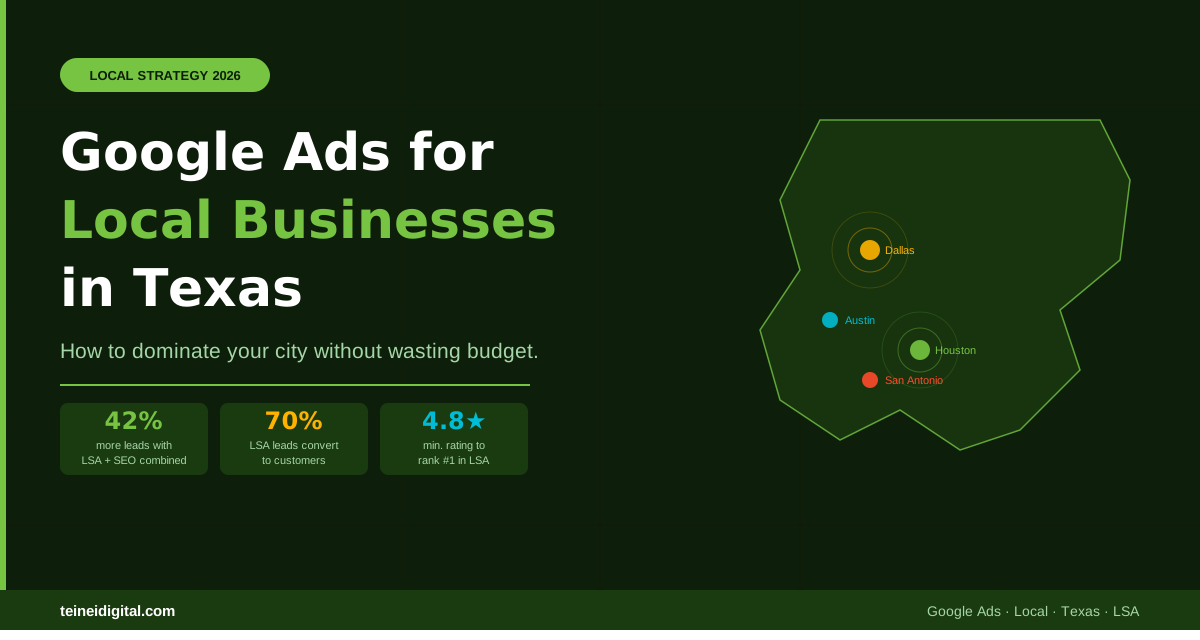
Many businesses estimate that 50% and as many as 70% of leads generated by Google LSAs convert into customers. Boomcycle Compare that to a typical website conversion rate of 2–5%, and the difference is clear.
To appear in LSAs in Texas, your business must pass Google’s verification process, which includes background checks, license verification, and insurance confirmation. For many trades in Texas, this means verifying your TDLR (Texas Department of Licensing and Regulation) license number during setup. This extra step is worth it — the Google Guaranteed badge that comes with LSA verification is one of the strongest trust signals available in local search.
The Single Most Important LSA Ranking Factor
If you want to rank #1 in Local Service Ads in your Texas city, there is one factor that outweighs everything else: your reviews.
Your review score is the single most influential factor in LSA ranking. Google considers review quantity, recency, quality, and how you respond to feedback. Maintaining at least a 4.8-star average is the unofficial benchmark for serious LSA competition. Boomcycle
Businesses with 50+ reviews and a 4.5+ average rating consistently rank higher than those with fewer or lower-rated reviews. PushLeads
This means your Google Ads strategy in Texas has to include an active review generation process. After every completed job, ask your customer for a Google review. Make it easy — send them a direct link to your Google Business Profile review page. Businesses that systematically collect reviews dominate local search in ways that no ad budget alone can replicate.
Google Search Ads for Texas Local Businesses: Keyword Strategy That Works
For traditional Google Search campaigns targeting local Texas customers, keyword selection is where most businesses go wrong. They target keywords that are too broad, too competitive, or too far from purchase intent.
The keywords that drive the best results for Texas local service businesses follow a simple pattern: service + location + urgency. Some examples that work consistently well:
“AC repair Dallas TX,” “emergency plumber Houston,” “roof replacement Austin TX,” “electrician near me San Antonio,” “pest control Frisco TX.” These searches come from people who need something done — not people who are casually browsing. They convert at dramatically higher rates than generic keywords.
Keywords should include “near me” variations, city names, neighborhoods, and service plus urgency terms. Location targeting should be set by radius and exclude irrelevant areas — never go wide by default. AdSpyder
Additionally, negative keywords are one of the most underused tools in local Google Ads. Adding negatives like “DIY,” “how to,” “free,” “school,” and “jobs” prevents your ads from showing to people who will never become customers — and immediately improves the efficiency of your spend.
Ad Extensions: The Local Business Advantage
Ad extensions are free additions to your Google Ads that make your ads larger, more informative, and more clickable. For Texas local businesses, these are non-negotiable.
Call extensions add your phone number directly to the ad, allowing mobile users to call you with a single tap — without ever visiting your website. For emergency services like plumbing or HVAC, this is where a huge portion of leads come from.
Location extensions show your business address and a map pin in your ad, reinforcing that you’re a local business serving their area — not a national company.
Sitelink extensions add additional links below your main ad, allowing you to highlight specific services, your service area page, or your reviews.
Structured snippets let you list specific services directly in the ad: “Services: AC Repair, Furnace Installation, HVAC Maintenance.” This helps searchers immediately confirm you offer what they need before clicking.
Combining LSA + Google Ads + Local SEO: The Complete Texas Strategy
The businesses generating the most leads in competitive Texas markets aren’t choosing between LSA, Google Ads, and SEO. They’re running all three in an integrated system.
According to Semrush’s 2025 local search study, contractors who combined LSAs with active SEO generated 42% more total leads than those who used either channel alone. PushLeads
Here’s how the three channels work together. LSAs capture emergency and immediate-need searches — “plumber near me right now,” “AC not working,” “roof leak.” These are your highest-converting, most urgent leads. Google Search Ads capture planned service searches — “HVAC maintenance contract,” “roof inspection Austin,” “pest control quarterly service.” These leads have a slightly longer decision cycle but often become long-term customers. Local SEO builds your organic presence for research-phase searches and strengthens the Google Business Profile that feeds directly into your LSA ranking.
Running all three simultaneously means you’re visible at every stage of the customer decision process — from the moment they realize they have a problem to the moment they’re ready to book.
What Most Texas Businesses Are Getting Wrong
After reviewing hundreds of local Google Ads accounts across Texas, these are the most common mistakes we see that are quietly draining budget every month.
Targeting too broadly — running campaigns across the entire state or metro area instead of the specific cities and zip codes where the business actually operates. Setting and forgetting — launching a campaign and never reviewing search term reports, meaning budget gets spent on completely irrelevant searches. No conversion tracking — knowing how many clicks you got but having no idea how many of those clicks became phone calls or customers. Ignoring LSAs — focusing exclusively on traditional Google Ads while competitors capture all the top-of-page LSA placements. Neglecting reviews — having a great service but no systematic process for collecting Google reviews, resulting in poor LSA rankings regardless of ad spend.
Each of these mistakes has a direct fix. And fixing them often produces dramatic improvements in results without increasing budget.
How to Set a Realistic Local Google Ads Budget in Texas
Budget questions are always top of mind for local business owners. Here’s a realistic framework based on Texas market data.
For a single-city local service business just getting started, a budget of $1,000 to $1,500 per month is the minimum for generating meaningful data and consistent leads in most Texas markets. In highly competitive categories like legal services or HVAC in Dallas or Houston, that floor rises to $2,000 to $3,000 per month.
The most important thing to understand is that your budget determines your coverage — not your ranking position. A well-optimized campaign with a $1,500 budget that runs during peak hours in a specific service area will consistently outperform a $3,000 budget spread thin across irrelevant geographies and time slots.
Conclusion: Own Your Market Before Your Competitor Does
In competitive Texas cities, Google Ads positions are finite. The top three LSA spots, the top three Search Ads positions, and the top three Maps listings — those are the placements that capture the vast majority of clicks, calls, and leads. There is no participation trophy in local search.
The businesses occupying those positions right now got there by building systematic, well-managed campaigns — not by spending the most money. They got there by targeting precisely, collecting reviews consistently, tracking conversions accurately, and optimizing continuously.
The good news is that most of your local competitors are still making basic mistakes that leave those top positions available. The window to move in is open — but it won’t stay open indefinitely.
Want to know exactly where your business stands in your Texas market? At Teinei Digital, our free local PPC audit shows you who’s occupying the top positions in your city, what they’re spending, and exactly what it would take to displace them.
Claim your free local PPC audit →
Questions about Google Ads for your Texas market? Leave a comment or contact us directly.
Related posts: How Much Does Google Ads Cost in 2026? · Google Ads with AI in 2026 · 5 Mistakes Destroying Your Google Ads Campaigns